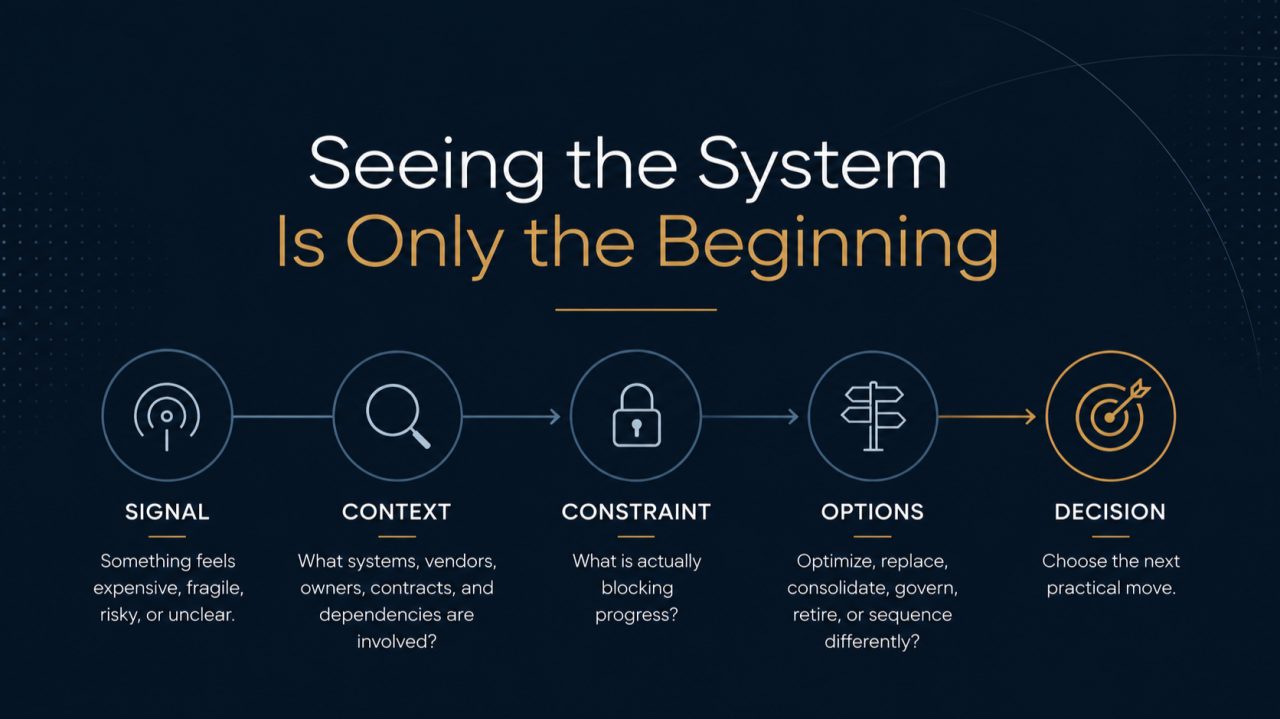
How do you audit your own website? Work through six checks in order, about five minutes each: how the site looks on a phone, how fast it loads, whether search engines can find it, whether your local listing matches it, whether your email domain can be impersonated, and whether a stranger would trust what they see. Every check uses a free tool. Write down what you find as green, amber, or red, and you have a working audit in half an hour.
Most owners have not looked at their own site the way a buyer does in a long time. The people who built it moved on, the plugins kept updating, and the site drifted. A short, honest check is usually enough to show whether it needs a tune-up or a real conversation.
What you need before you start
- A phone and a laptop
- Your website address and your company's main email domain (often the same)
- Thirty uninterrupted minutes
- Access to Google Search Console and your Google Business Profile, if you have them. If you do not, that is your first finding.
Keep a simple list as you go. For each check, note one line and a color: green for fine, amber for worth fixing, red for a problem a buyer or insurer would notice.
Minutes 0 to 5: the first impression, on a phone
Most first visits now happen on a phone, so start there. Open the site on your phone, not your laptop, and look at it as a stranger would.
- Can you tell what the company does, and for whom, without scrolling? If the top of the page could belong to any company in your industry, mark it amber.
- Is there one obvious next step? A clear button to call, book, or ask. Two or three competing buttons is amber; none is red.
- Does anything break? Text running off the screen, buttons too small to tap, a menu that will not open, or a pop-up you cannot close. Any of these is red.
- Is the phone number tappable, and is the copyright year current? Small, but buyers notice.
Minutes 5 to 10: speed
Go to PageSpeed Insights, enter your home page, and look at the mobile results first.
The three numbers that matter are Google's Core Web Vitals. Google's published guidance is that a good page shows its main content within 2.5 seconds (Largest Contentful Paint), responds to a tap within 200 milliseconds (Interaction to Next Paint), and does not jump around while loading (Cumulative Layout Shift of 0.1 or less), measured on three out of four visits (web.dev).
- All three in the good range: green.
- One outside it: amber.
- Two or more outside it, or a mobile performance score under 50: red.
If the page shows "field data" from real visitors, trust that over the lab score. The usual causes of a slow site are oversized images, too many plugins or tracking scripts, and cheap hosting. None of them is fixed by a redesign alone.
Minutes 10 to 15: can search engines find you?
Search Google for "site:yourcompany.com". This lists the pages Google has indexed.
- Roughly the number of pages you expect: green.
- Far fewer, or old pages you deleted years ago: amber.
- Nothing at all: red. Something is blocking search engines.
Then look at the titles in those results. Each should say what the page is about and include your company name. A list of pages all titled "Home" or "Untitled" is amber.
If you have Google Search Console, open the Pages report and note how many pages are "Not indexed" and why. If nobody at the company has access to Search Console, mark it amber and find out who set it up.
Minutes 15 to 20: your local listing
Search for your company name on Google and look at the panel on the right (on a phone, it appears at the top). This is your Google Business Profile, and for many buyers it is the first thing they see.
- Name, address, phone number, and website match your site exactly: green. "Suite 200" on one and "Ste. 200" on the other is fine; a different phone number is not.
- Hours are current, the category is right, and there are photos from the last year: green.
- No profile, or one you cannot log into: red. Someone else may control it.
Then search your company name plus your city. If a directory listing with an old address or phone number shows up on the first page, note it. Inconsistent listings confuse search engines as much as they confuse people.
Minutes 20 to 25: email and domain security
This is the check most owners skip, and the one most likely to be red. Look up your domain's email records with a free tool such as MXToolbox's DMARC lookup.
- SPF: one record that lists every service that sends email as you. A missing record is red. Two SPF records is also red, because receivers treat that as an error.
- DMARC: a record that tells receivers what to do with mail that fails the checks. No record at all is red. A record set to "p=none" is amber: it reports problems but blocks nothing. "p=quarantine" or "p=reject" is green.
- HTTPS: the site loads with a padlock, and "http://" redirects to "https://". Anything else is red.
This matters beyond spam. Gmail has required SPF or DKIM from every sender since February 2024, and DMARC from anyone sending more than 5,000 messages a day (Google). Without DMARC enforced, anyone can send email that appears to come from your domain. If DMARC shows red or amber, our guide to DMARC failures and how to fix them walks through the fix.
While you are here, run your home page through securityheaders.com. A grade of D or F is amber. It is rarely urgent, but insurers and larger customers increasingly look at it.
Minutes 25 to 30: trust signals, and what AI assistants see
The last check is the one buyers make without thinking about it: does this look like a real, current, careful company?
- Contact details are easy to find, and include a real address or service area.
- A privacy policy exists and mentions the forms and analytics the site actually uses.
- Proof is visible: client types, a case study, credentials, or reviews. Generic stock photography and no specifics is amber.
- Accessibility basics: images have descriptions, text is readable against its background, and the site works with a keyboard. Large gaps here are amber, and in some industries a legal exposure.
Then open ChatGPT, Gemini, or Copilot and ask, "What does [your company] do, and who is it for?" If the answer is wrong, vague, or describes a different company, mark it amber. AI assistants increasingly answer the questions buyers used to search for, and they draw on the same public signals this audit just checked: clear page titles, consistent listings, and structured data. Google's Rich Results Test shows whether your home page carries any structured data at all.
Reading your results
Count your colors.
| Result | What it usually means |
|---|---|
| Mostly green, one or two amber | The site is in good shape. Fix the ambers in the next quarter. |
| Three or more amber | The site has drifted. A focused cleanup, not a rebuild, usually covers it. |
| Any red in email security | Fix this first. It is the cheapest fix on the list and carries the most risk. |
| Several reds across areas | The site is costing you inquiries now. It is worth a full review before spending on a redesign. |
The order matters. Email security and HTTPS are configuration changes measured in hours. Speed and search usually come next. A redesign is the right answer only when the platform itself is what stands in the way, and a self-audit like this one rarely proves that on its own.
What a 30-minute audit cannot tell you
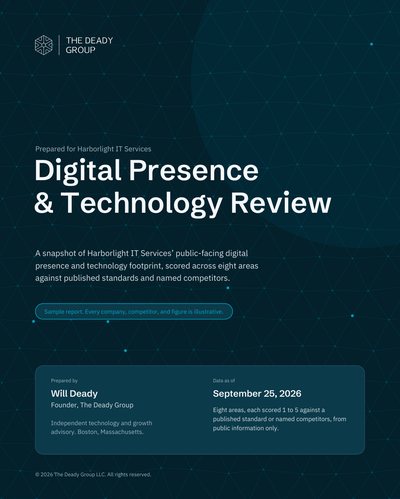
This check shows symptoms. It does not show how you compare with the competitors your buyers are also looking at, which search terms you are missing, what your technology stack reveals from outside, or how far each issue sits from the published standard. That is the gap the Digital Presence & Technology Review fills: the same areas, measured against a standard and against named competitors, scored, and put in order of what to fix first. To see what that looks like, read the sample report, Digital Presence & Technology Review: Harborlight IT Services.
Questions, answered plainly
How often should we audit our website? Run this 30-minute check twice a year, and again before anything that depends on the site: a redesign, a hosting or agency renewal, a cyber insurance application, or a marketing push.
Do we need paid tools to audit a website? No. Every check in this guide uses free tools. Paid tools add depth and history, not the basics.
What is the difference between a website audit and a digital presence review? A website audit looks at the site. A digital presence review also covers local search, email and domain security, the technology visible from outside, structured data for AI assistants, and how the organization is described across the internet, and it scores each area against a standard.